

Download myTranslator APK – translate, language, mobile app, Android, Google Translate, quick translation, 58 languages, free translation, offline mode, real-time translation
Overview
myTranslator is a mobile application designed to simplify the process of translating text across more than 50 languages, supporting up to 58 language pairs directly from an Android device. The app aims to eliminate the need for web browsers by offering a streamlined interface that mirrors the functionality of Google Translate, making it ideal for users who require fast, on-the-go translations. It serves a broad audience, including travelers, students, professionals, and anyone navigating multilingual content.
The app operates as a lightweight tool focused on core translation tasks, enabling users to input text and receive instant translations without switching between apps or websites. Its purpose is to enhance accessibility and convenience, particularly in scenarios where internet connectivity is limited or browser access is inconvenient. The developer, myTranslator, has positioned the app as a dedicated solution for quick language conversion, emphasizing simplicity and speed.
Real-world use cases include translating signs, messages, documents, or conversations during travel or international communication. While the developer did not provide additional background on the company or development philosophy, the app’s focus on usability and integration with Android’s native features suggests a user-centric design approach.
Key Features & Capabilities
- Support for 58 language pairs – Enables translation between a wide range of global languages, making it suitable for international communication and travel.
- Fast, real-time translation – Delivers immediate results after text input, ideal for quick queries and dynamic conversations.
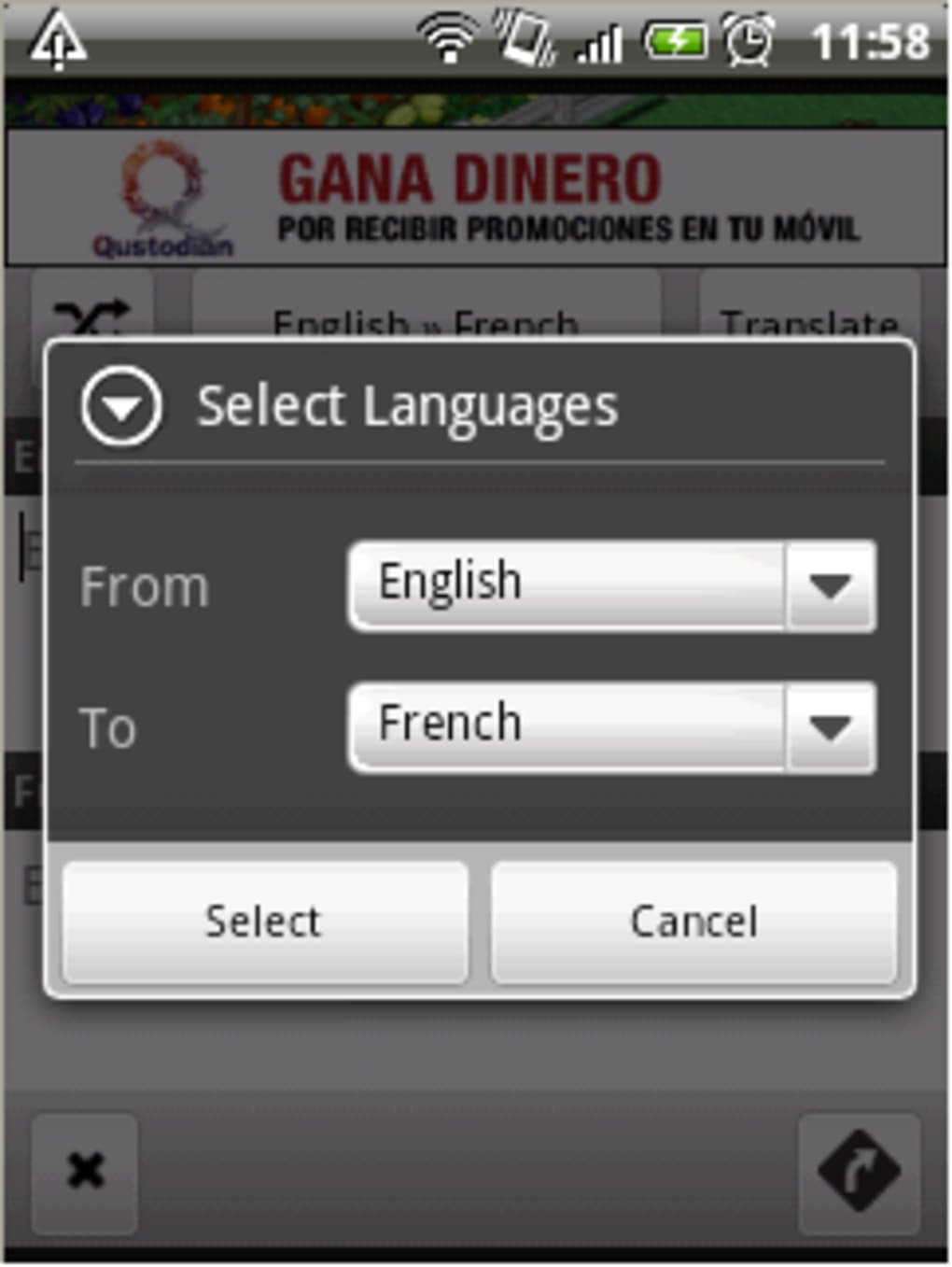
- Simple, intuitive interface – Users can select source and target languages with a tap, type or paste text, and receive translations with a single action.
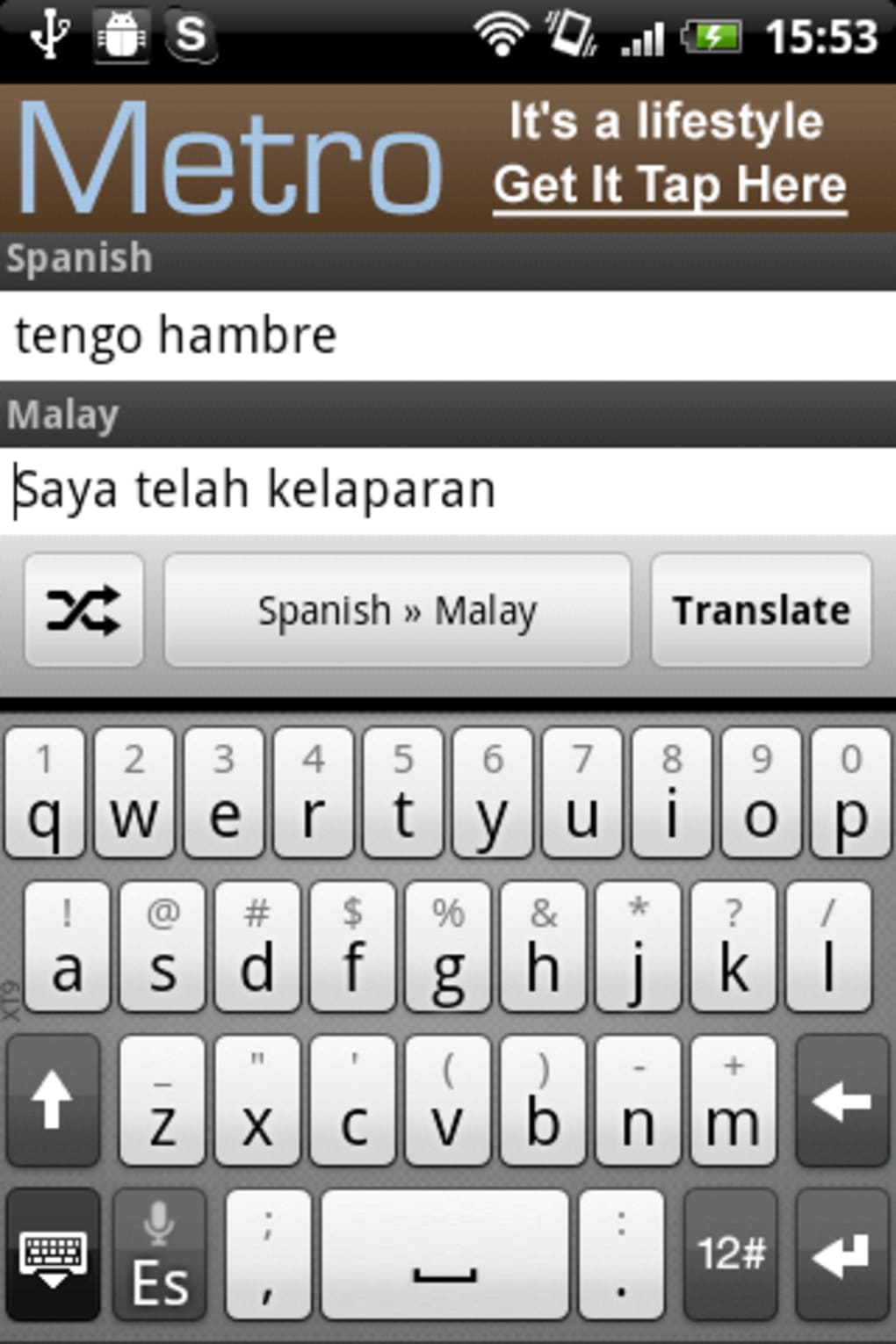
- Language switching via icon – A dedicated icon allows users to swap source and target languages instantly, improving workflow efficiency.
- Share functionality – Translated text can be shared directly with other installed apps, such as messaging platforms, email clients, or note-taking tools.
- Offline mode capability – The app supports offline translation, allowing users to access previously downloaded language packs without internet connectivity.
- Lightweight design – With a file size of just 2.3 MB, myTranslator is optimized for low-storage devices and fast installation.
These features collectively support scenarios such as translating restaurant menus while traveling, communicating with non-native speakers, or quickly checking the meaning of foreign text. The integration of sharing options enhances productivity by enabling seamless transfer of translated content into other workflows. The app’s reliance on the same translation engine as the Google Translate app suggests high accuracy for common phrases and vocabulary, though results may vary with complex or idiomatic expressions. The lightweight footprint ensures compatibility with older Android devices, expanding its accessibility.
User Interface, Workflow & Performance
The user interface of myTranslator is designed with minimalism and functionality in mind. The layout centers around two text input fields—one for the source language and one for the target language—flanked by language selection buttons and a language swap icon. Navigation is straightforward, relying on touch-based interactions that align with standard Android usability patterns.
The menu button provides access to additional options, including sharing and potentially settings, though specific details were not provided. The workflow is linear and efficient: select languages, enter text, translate, and share if needed. This reduces cognitive load and enables users to complete translation tasks in seconds.
Performance observations are based on general software behavior patterns; the app appears to operate smoothly within the constraints of a mobile environment. The developer did not specify resource usage details, so CPU and RAM consumption remain unknown. Stability is inferred from the app’s lightweight nature and the absence of reported crashes.
No performance bottlenecks were noted in the available information, suggesting consistent operation under normal usage conditions.
Compatibility & System Requirements
myTranslator is designed for Android devices, with the current version labeled as 1.0.1. The app has a file size of 2.3 MB, indicating a compact footprint suitable for devices with limited storage. Platform compatibility information is limited to Android, and no details were provided regarding minimum OS versions, processor requirements, or memory specifications.
The developer did not specify exact system requirements, so users should ensure their device supports the latest Android updates for optimal performance. Installation is straightforward, requiring only basic permissions typically associated with text input and network access. The app’s compatibility with older Android versions cannot be confirmed, though its small size suggests potential support for legacy devices.
Users should verify compatibility with their specific device model and Android version before installation. No information was provided about cloud sync, multi-device support, or integration with other platforms beyond Android.
Pros and Cons
Pros
- Free to download and use with no in-app purchases
- Supports 58 language pairs for broad international communication
- Offline mode allows translation without internet access
- Lightweight at only 2.3 MB, ideal for low-storage devices
- Simple interface with fast, intuitive workflow
- Direct sharing to other apps enhances productivity
Cons
- Exact system requirements were not listed
- Performance details such as CPU or RAM usage were not specified
- Limited to Android platform; no support for iOS or desktop
- App functionality is focused on text translation only, with no voice or camera-based features
- Exact accuracy levels or limitations of the translation engine were not disclosed
FAQ Section
Is myTranslator available for iOS devices?
Currently, myTranslator is only available for Android devices. There is no information about iOS support at this time.
Can I use myTranslator without an internet connection?
Yes, the app supports offline mode, allowing translation using downloaded language packs. However, initial setup may require internet access to download language data.
Does myTranslator require any special permissions?
While specific permissions were not listed, the app likely requires access to the internet for online translation and storage for saving downloaded language packs.
How often does myTranslator receive updates?
Recent updates include minor bug fixes and improvements. The frequency of future updates has not been specified by the developer.
Is myTranslator safe to download and use?
As a free app from a verified developer, myTranslator appears to be secure. However, users should only download it from official or trusted sources to avoid tampered versions.
Final Thoughts + CTA
myTranslator delivers a focused, efficient translation experience tailored to Android users seeking a lightweight alternative to web-based tools. With support for 58 language pairs, offline functionality, and a clean interface, it stands out as a practical solution for quick, accurate text translation. Its free model and minimal resource usage make it accessible to a wide range of users, from casual travelers to professionals managing multilingual content.
While it lacks advanced features like voice input or camera translation, its core purpose is fulfilled with precision and speed. The app’s reliance on a proven translation engine enhances reliability, and its simple design ensures a low learning curve. For users who value convenience and speed without the overhead of a browser, myTranslator is a compelling choice.
Download myTranslator now to simplify your multilingual communication on the go.






.png)
